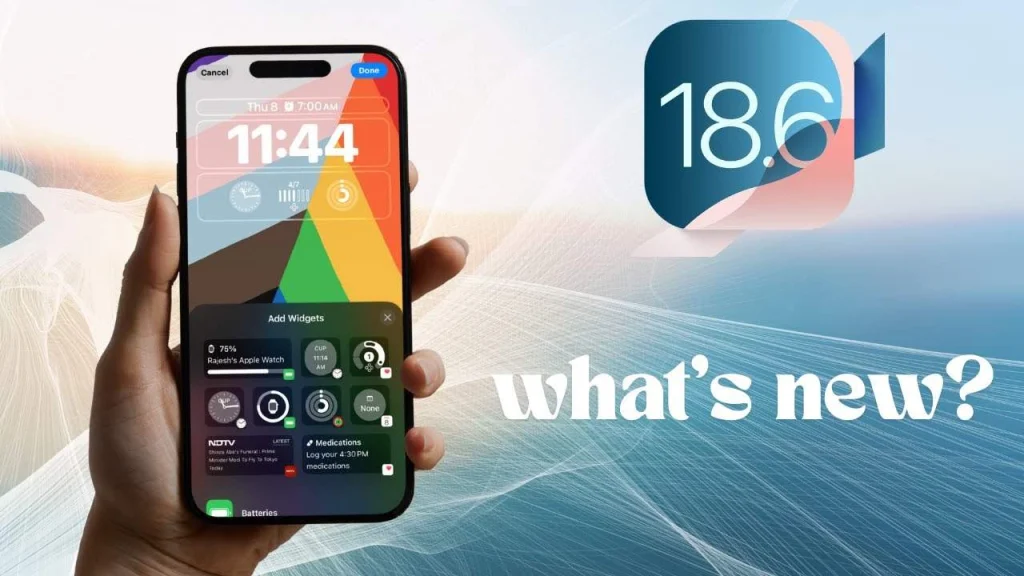
iOS 18.6 Urgent Update: Apple Tells Users to Install Now
If your iPhone hasn’t pinged you with an update in a while, it’s not just you it really has been a long pause. The last major update, iOS 18.5, dropped way back on May 12. Since then? Not a single minor fix, not even a quiet little security patch. That kind of silence usually means one thing: Apple’s locked in a rock-solid build as it wraps up this software cycle. But now, things are moving again.
Initially, it was assumed that iOS 18.5 would be followed by iOS 19 sometime in the fall. But Apple had different plans. Not long after the last update, the company announced a big shift in naming now tying each iOS version to the year it’s intended to be used in. So, in this case, we’re looking at iOS 18.6, which will mostly be relevant through 2026.
Which iPhones Support iOS 18.6?
So any iPhone from 2018 and up has a lot of fortune. iOS 18.6 is enabled from iPhone Xs, Xs Max, and XR through to the latest iPhone 16 series; that is, 16 Pro Max and 16e. The second- and third-generation iPhone SEs are also included.
That said, this might be your last update if you’re using an older model. The upcoming iOS 26, which is already in public beta, drops support for anything older than the iPhone 11 series. It’s expected to officially launch in September.
How to Install It
As I have said, you’re probably already aware of this, but keep it in consideration: Start with the Settings app, tap General, and then tap Software Update. When the update pops up, tap Download and Install, leaving the rest to your device.
The file size is pretty hefty 1.07GB on my iPhone 16 Pro Max so it’s best to make sure you’re on Wi-Fi before you start.
What’s New in iOS 18.6?
As you’d expect from a late-stage release, there aren’t any flashy new features this time around. Apple is focusing on tightening things up mostly security improvements and a few bug fixes.
One specific fix stands out, though. Apple notes that the update:
“fixes an issue in Photos that could prevent memory movies from being shared,”
According to the release notes. It’s not a problem every user encountered, but if it affected you, that fix should come as a relief.