Real-world example: Gemini CLI fixing a Python error in the terminal. 60 free requests/minute.
The AI Wars Heat Up as Google Targets Developers’ Terminals
Google has just made a bold move in the AI arms race with the launch of Gemini CLI, a powerful open-source AI agent designed to bring Gemini 2.5 Pro’s full capabilities directly to developers’ command lines.
This isn’t just another coding assistant—it’s a direct challenge to OpenAI’s ChatGPT, Microsoft’s Copilot, and other AI tools that have been dominating the developer space. With unprecedented free-tier access, deep terminal integration, and open-source flexibility, Google is making a play to win back developers—and the stakes couldn’t be higher.
Why Gemini CLI Terminal Could Be a Game-Changer
For engineers, the command line is sacred ground—a place where speed and efficiency reign supreme. Google understands this and has built Gemini CLI to be the ultimate AI sidekick for developers.
Key Features:
✅ Lightning-fast AI in your terminal – No more switching between tools; Gemini CLI brings AI right where you work.
✅ Versatile beyond coding – Debugging, research, automation, and even creative tasks like generating content.
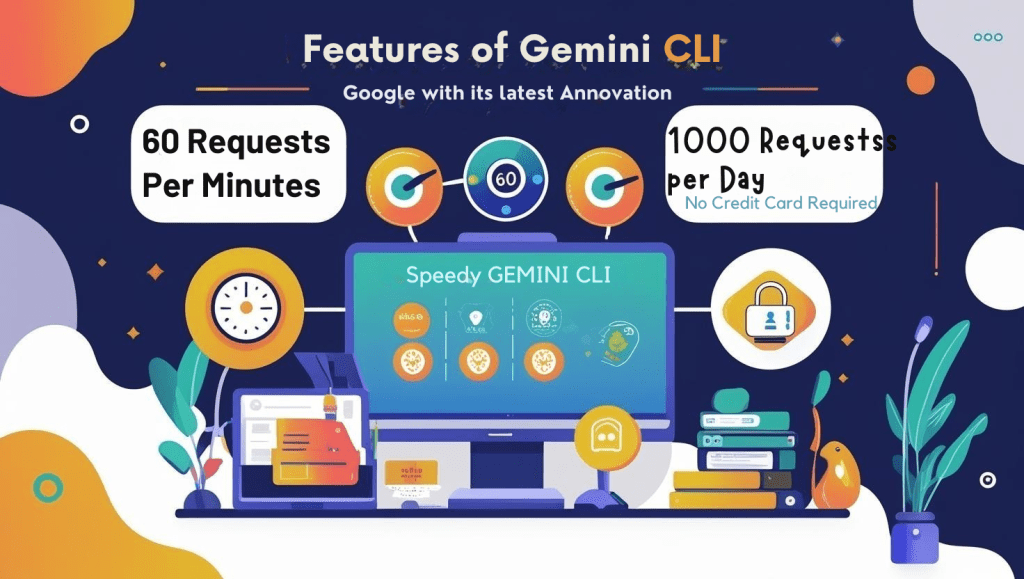
✅ Massive free tier – 60 requests per minute, 1,000 per day—far beyond competitors’ limits.
✅ Open-source (Apache 2.0) – Inspect, modify, and extend it freely.
✅ Seamless with Gemini Code Assist – Works hand-in-hand with Google’s VS Code AI assistant.
Open Source Freedom: Why Gemini CLI Outshines Closed AI Tools
Unlike proprietary AI assistants like ChatGPT and Copilot, Gemini CLI’s Apache 2.0 license gives developers full control. Want to peek under the hood, tweak the code, or build commercial tools? No restrictions—just pure flexibility. Meanwhile, competitors lock you into their ecosystems, banning modifications and limiting how you can use their AI.
| Feature | Gemini CLI (Apache 2.0) | ChatGPT/Copilot |
|---|---|---|
| Code Access | ✅ Full transparency | ❌ Closed-source |
| Modifications | ✅ Allowed | ❌ Banned by ToS |
| Commercial Use | ✅ Permitted | ❌ Limited by OpenAI |
| Community Contributions | ✅ Encouraged (GitHub) | ❌ Not applicable |
Google’s Aggressive Free Tier: A ChatGPT Killer?
While OpenAI and others have been tightening free access, Google is going all-in with an unmatched free allowance:
- 60 model calls per minute
- 1,000 requests per day
No credit card required—just log in with a Google account. For power users, paid Gemini Code Assist plans or Vertex AI billing are available, but the free offering alone could be enough to shift developer loyalties.
Open Source & Extensible: A Play for Dev Community Support
Unlike some closed AI ecosystems, Gemini CLI is fully open-source, inviting developers to:
🔧 Audit the code for security and transparency.
🚀 Build custom extensions using Model Context Protocol (MCP).
🤖 Automate workflows with scriptable AI interactions.
Google is clearly betting on community-driven growth, hoping to outpace rivals by making Gemini CLI the most adaptable AI terminal tool.
The Bigger Picture: Google’s AI Ecosystem Play
This isn’t just about the terminal. By tightly integrating Gemini CLI with Gemini Code Assist, Google is creating a unified AI experience across IDEs and command lines.
What This Means for Developers:
- No more juggling between AI tools – One ecosystem for all needs.
- Enterprise-ready – Supports team configurations and scalable usage.
- Future-proof – Built on emerging AI standards like MCP.
Will Developers Make the Switch?
The big question: Will Gemini CLI pull engineers away from ChatGPT and Copilot?
With its generous free tier, open-source model, and deep Google ecosystem integration, the appeal is strong—especially for developers frustrated with restrictive AI limits elsewhere.
Gemini CLI – Try It Yourself
Ready to supercharge your terminal? To install Gemini CLI, follow these steps from the official GitHub instructions:
✅ Prerequisites
- Operating System: macOS, Linux, or WSL (Windows Subsystem for Linux)
- Go (version 1.22 or later) must be installed. You can check with:
go version
If Go is not installed, download it here.
🚀 Installation Steps
1. Clone the repository
git clone https://github.com/google-gemini/gemini-cli.git
cd gemini-cli
2. Build and install
go install ./cmd/gemini@latest
This will install the gemini command into your Go binary path (usually ~/go/bin).
🔧 Add to PATH (if needed)
If gemini is not found after install, add Go’s bin to your PATH:
export PATH=$PATH:$(go env GOPATH)/bin
You can also add that line to your .bashrc, .zshrc, or .profile to make it persistent.
🔑 Log in to access Gemini Pro
Run:
gemini login
This will open a browser to sign in with your Google account and activate your free Gemini Code Assist license.
🧪 Try out Gemini CLI
gemini chat
You’re now ready to start chatting with Gemini directly from your terminal.
What do you think? Will you switch to Gemini CLI, or stick with your current AI tools? Let us know in the comments!
“Want to go deeper? Explore Google’s original announcement: Gemini CLI: Open-Source AI for Your Terminal.”